A clear plan for each job
Keep the dates, location, customer, description and current status together. Assign workers, vehicles, machinery and company equipment.
JOB MANAGEMENT
Set the job dates and assign staff, vehicles and machinery. Your team can find the schedule and work instructions in the job record.
Keep the dates, location, customer, description and current status together. Assign workers, vehicles, machinery and company equipment.
Filter jobs by status, date, customer, worker or assigned equipment. Quickly find the work that concerns a particular person or vehicle.
Store and find job documents directly in the job record, alongside its details and assignments.
Keep customers, suppliers and partners in one directory. Link a job to its customer and keep the contact person, phone number and email close at hand.
Create the job, set its dates and assign the crew, van and equipment. Add the documents to the job record. Your team can find the job details and dates in FLOTELO instead of searching through messages.


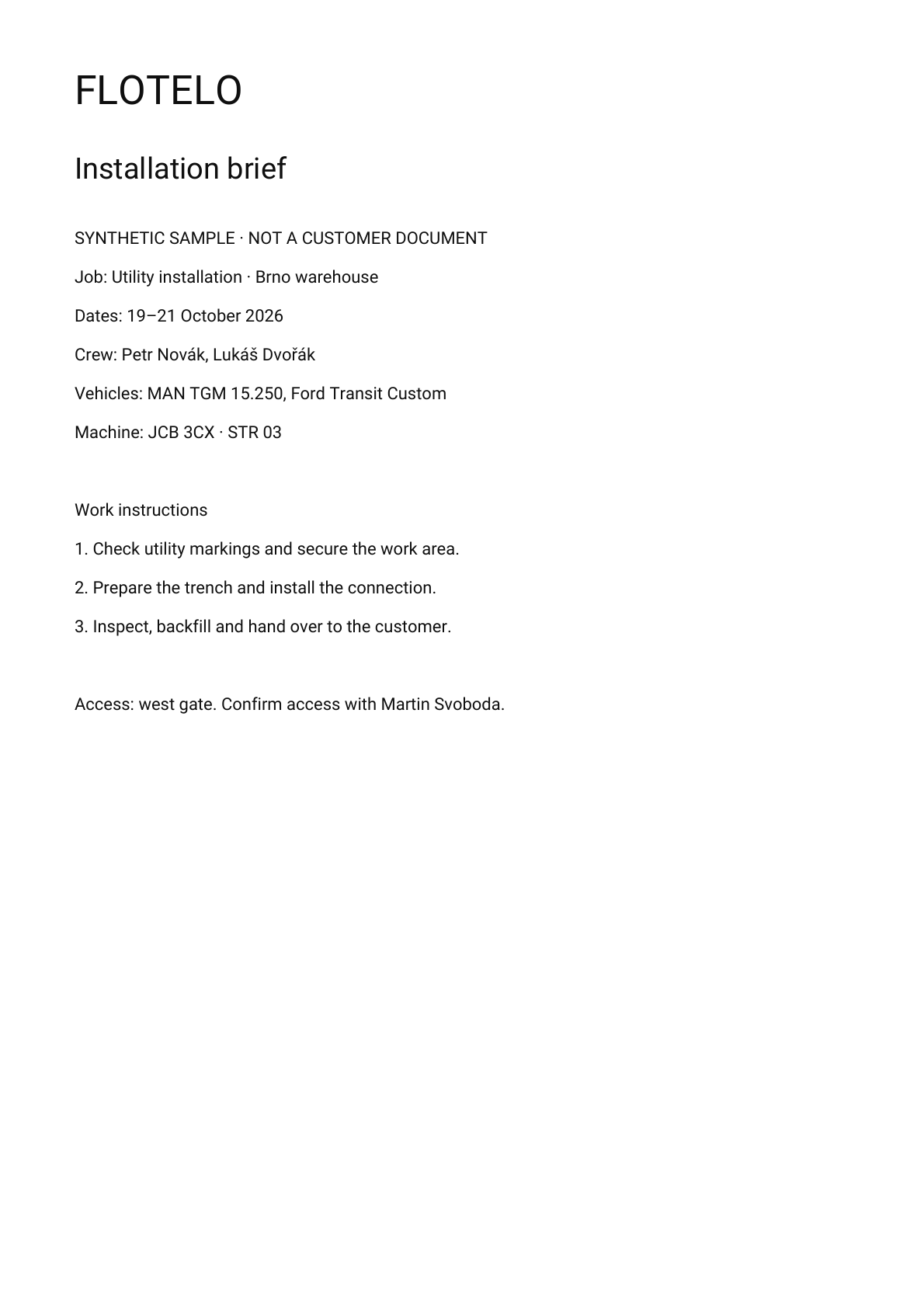
The detail above uses the actual application components. The attachment previews are shown separately for clarity; the application lists attachments with Open and Download actions.
MORE THAN FLEET MANAGEMENT
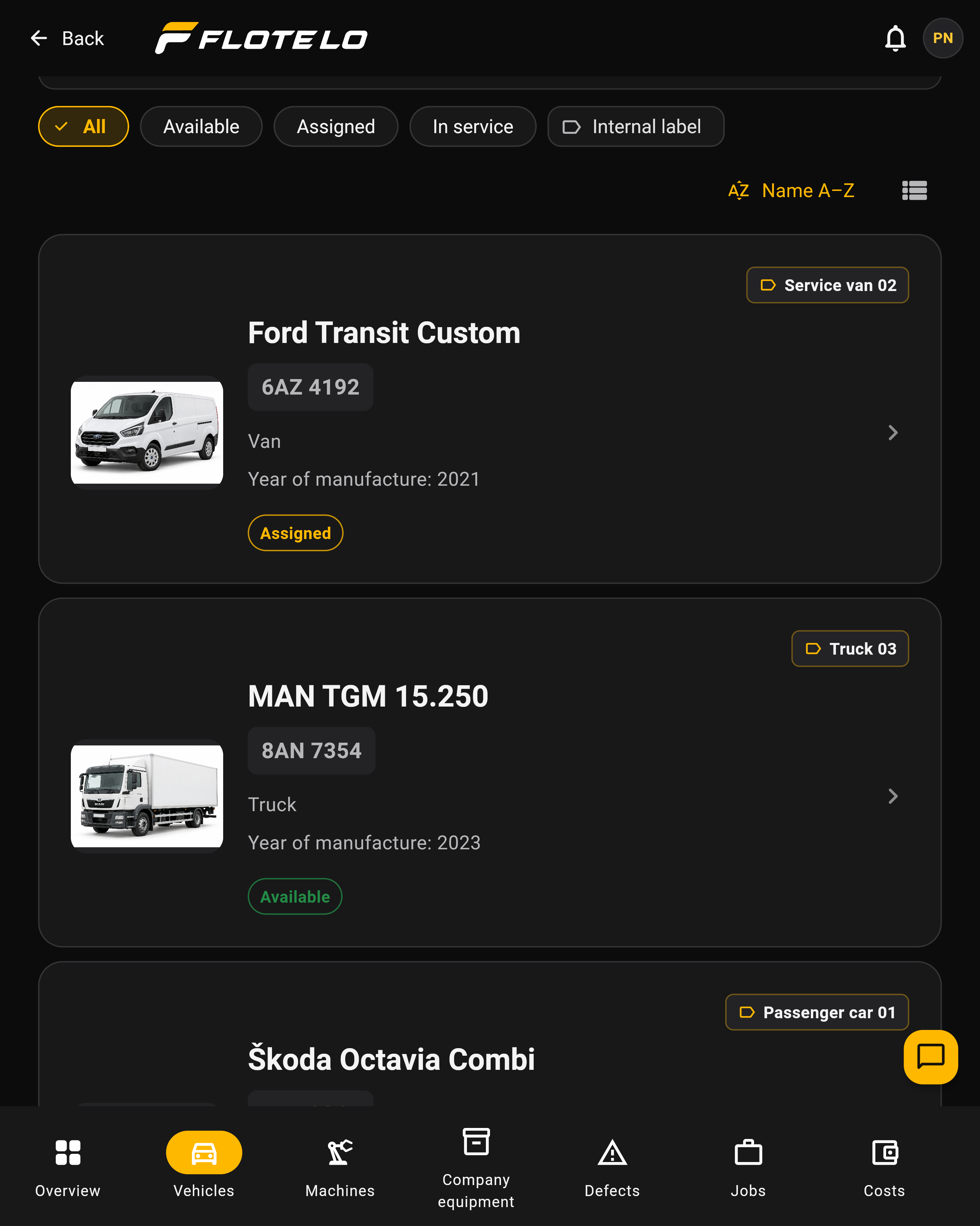
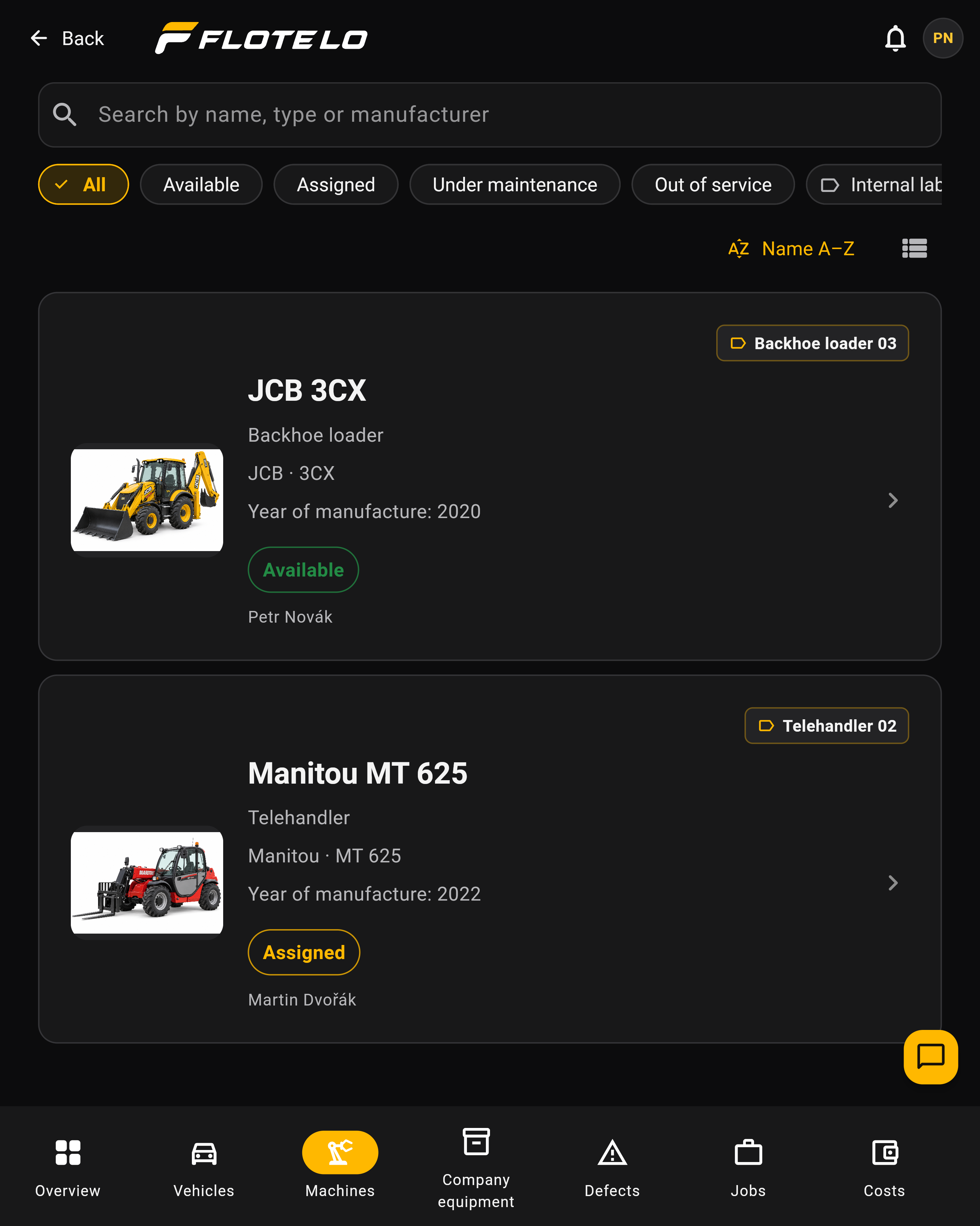
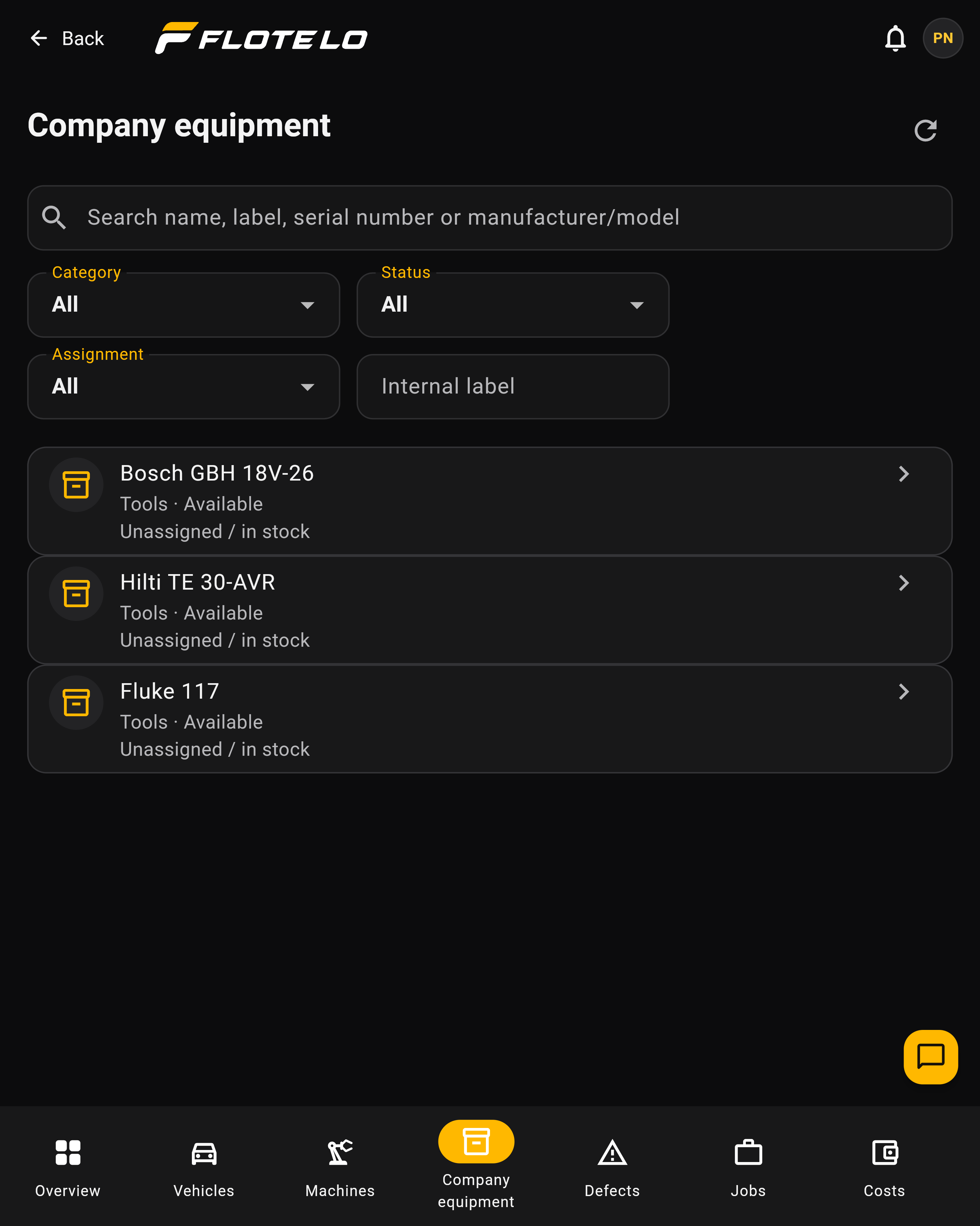
It’s more than a vehicle fleet. Manage vehicles, machinery and equipment together, with the information right where you need it.
Cars, vans and trucks. Track inspections and servicing, manage issues and keep documents and trip logs close at hand.
See it in FLOTELO ↗Excavators, telehandlers and access platforms. Keep operating hours, maintenance, inspections, issues and documents with each machine.
See it in FLOTELO ↗Tools, measuring instruments and laptops. Record condition, documents, inspections and assignments, so you know what you own and who has it.
See it in FLOTELO ↗FROM THE ASSET TO ITS RECORD
Print a QR code for a vehicle or machine and attach it to the asset. A colleague scans it with their phone to open the right record.
A QR code does not replace login. Staff can only view or change records they have permission to access.
 MAN TGM 15.250
LESS SEARCHING. LESS REKEYING.
Photograph an odometer, machine hour meter or fuel receipt. FLOTELO fills in the details for you to check before saving.
Vehicle inspections, servicing, insurance, vignettes and other deadlines in one view, with reminders based on your preferences.
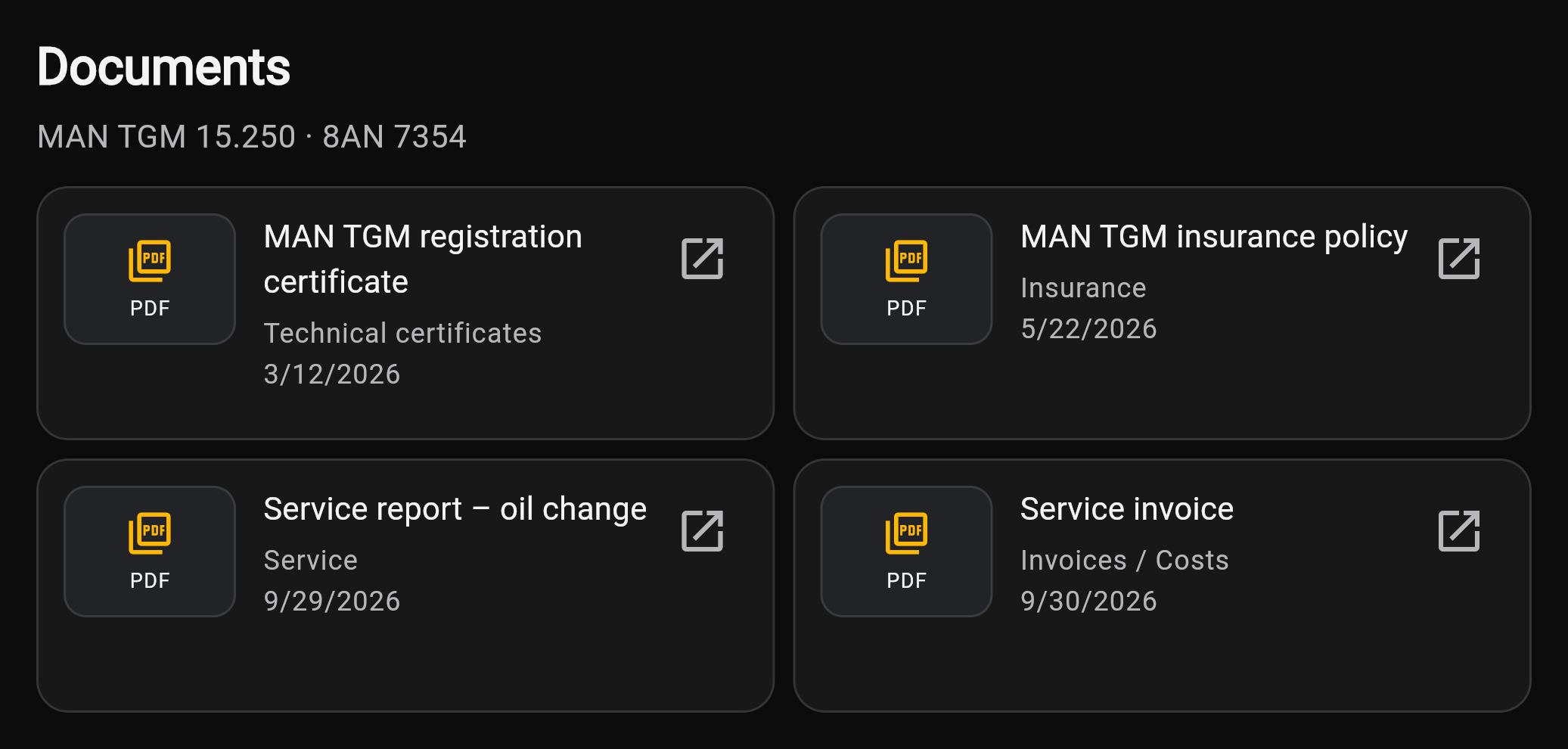
Find the manual, invoice or service report with the vehicle or machine, without searching through folders.
Photos, status and repair records in one place. Your team can see what still needs fixing.
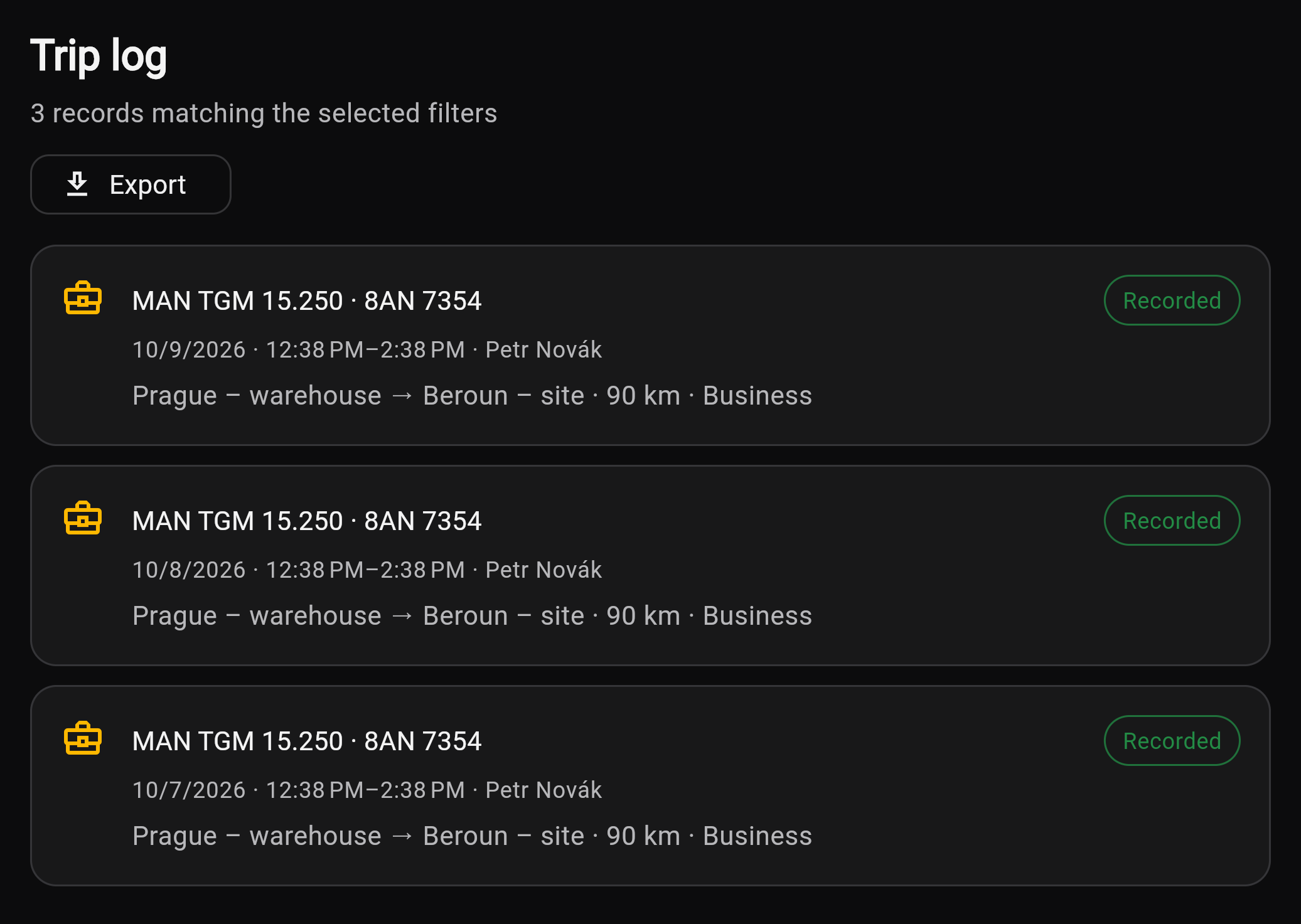
Record and edit trips as permissions allow. Export the selected vehicle and period to PDF or XLSX.
Manage team roles and permissions. Assign workers to vehicles and machines.
Reminders depend on saved data, roles and preferences. Inspections and calibration in the separate Company Equipment module are currently records only, without automatic reminders.
Not sure where to find something? AI help can guide you through the app. If you need a person, you can hand the request over to support in the chat.
DOCUMENTS
Keep registration documents, insurance, manuals, service reports, invoices and contracts with the asset they belong to.

READY ON SITE
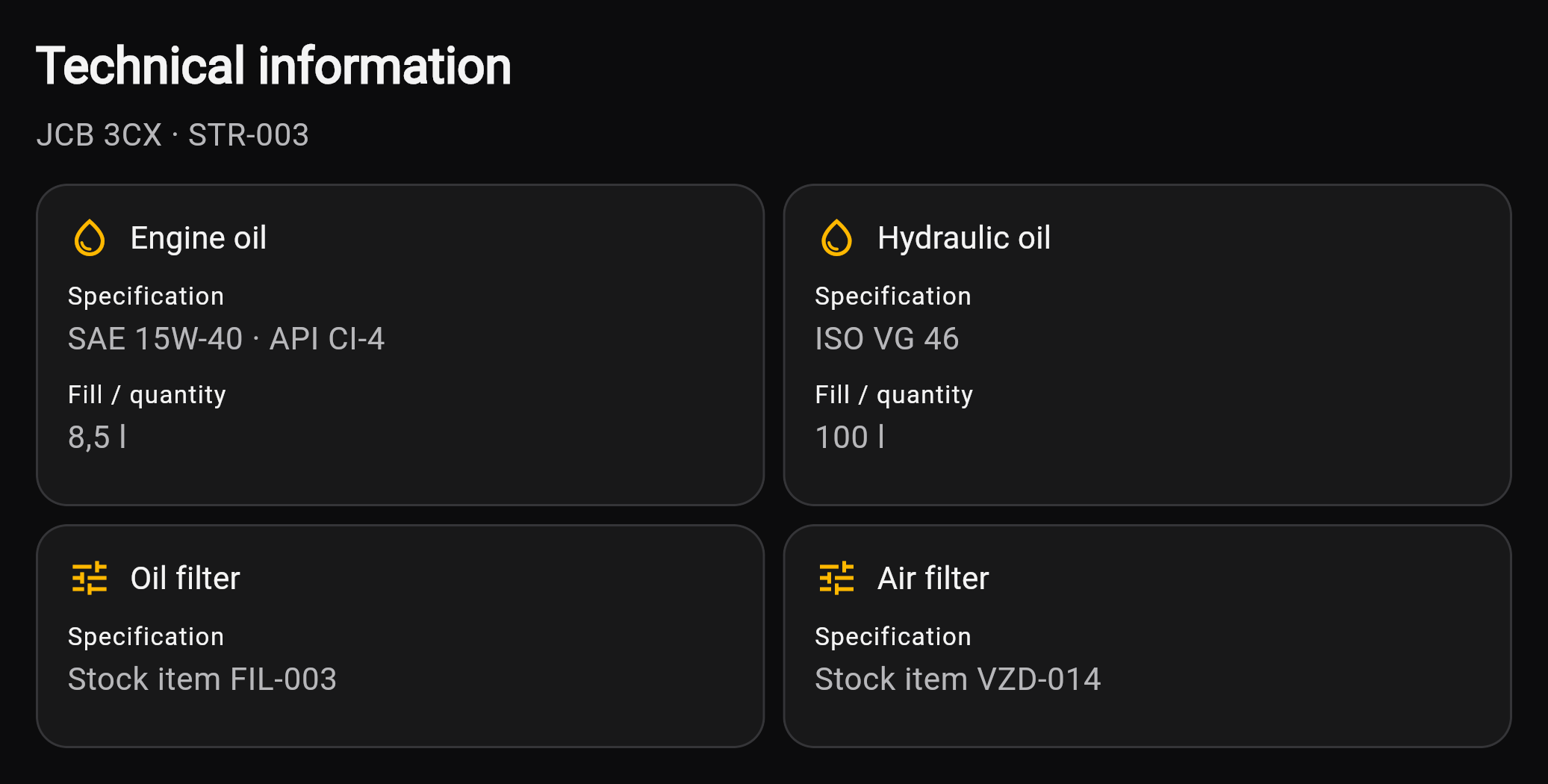
Which oil, how much, and which filter? Stop searching around the workshop. Find specifications, maintenance and inspections with the machine.

PLAN THE WEEK AHEAD
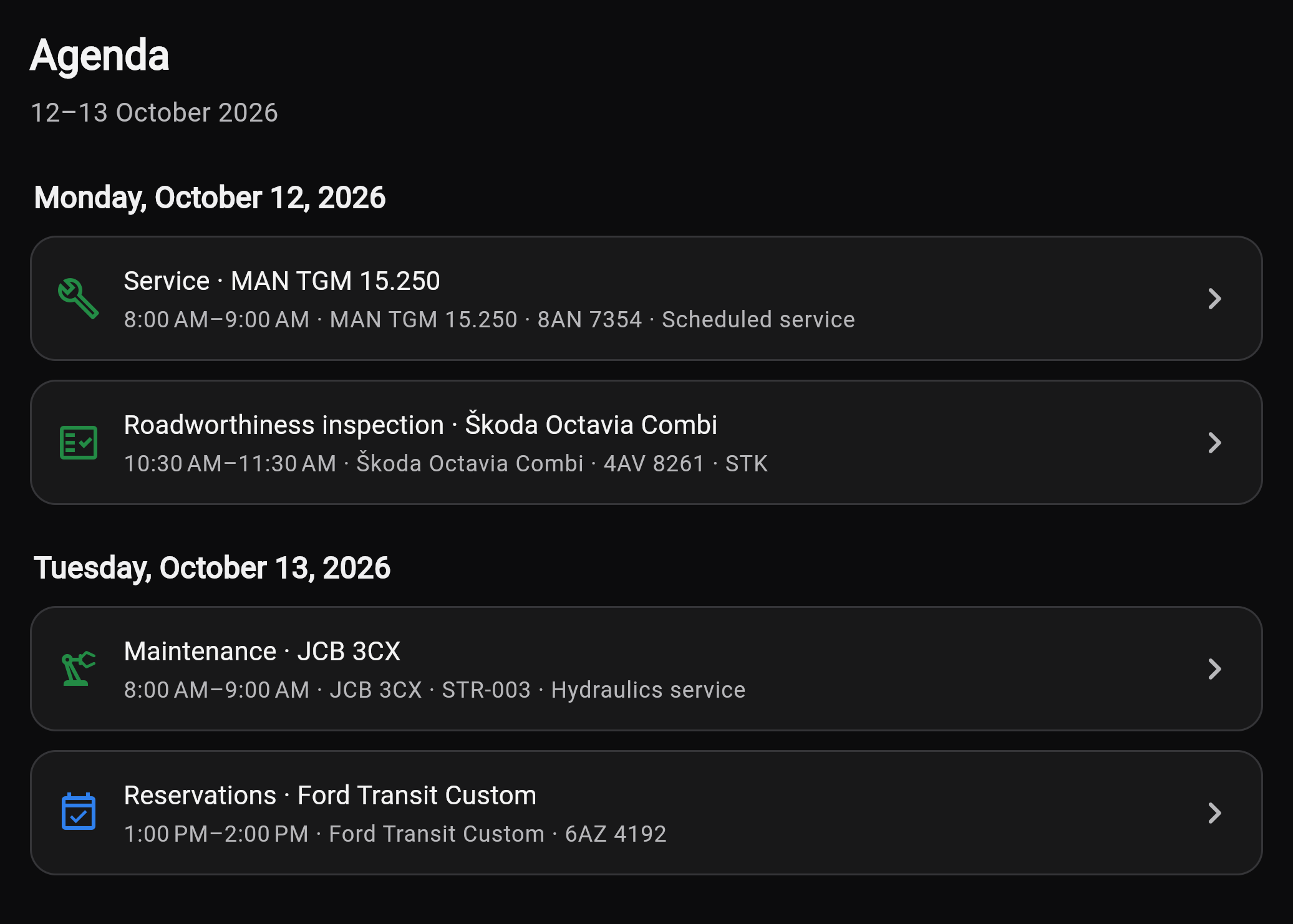
Open the calendar to see maintenance, vehicle inspections, safety checks, vehicle bookings and planned events together, including the colleagues assigned to bookings and events.

NO MORE LOST ISSUE REPORTS
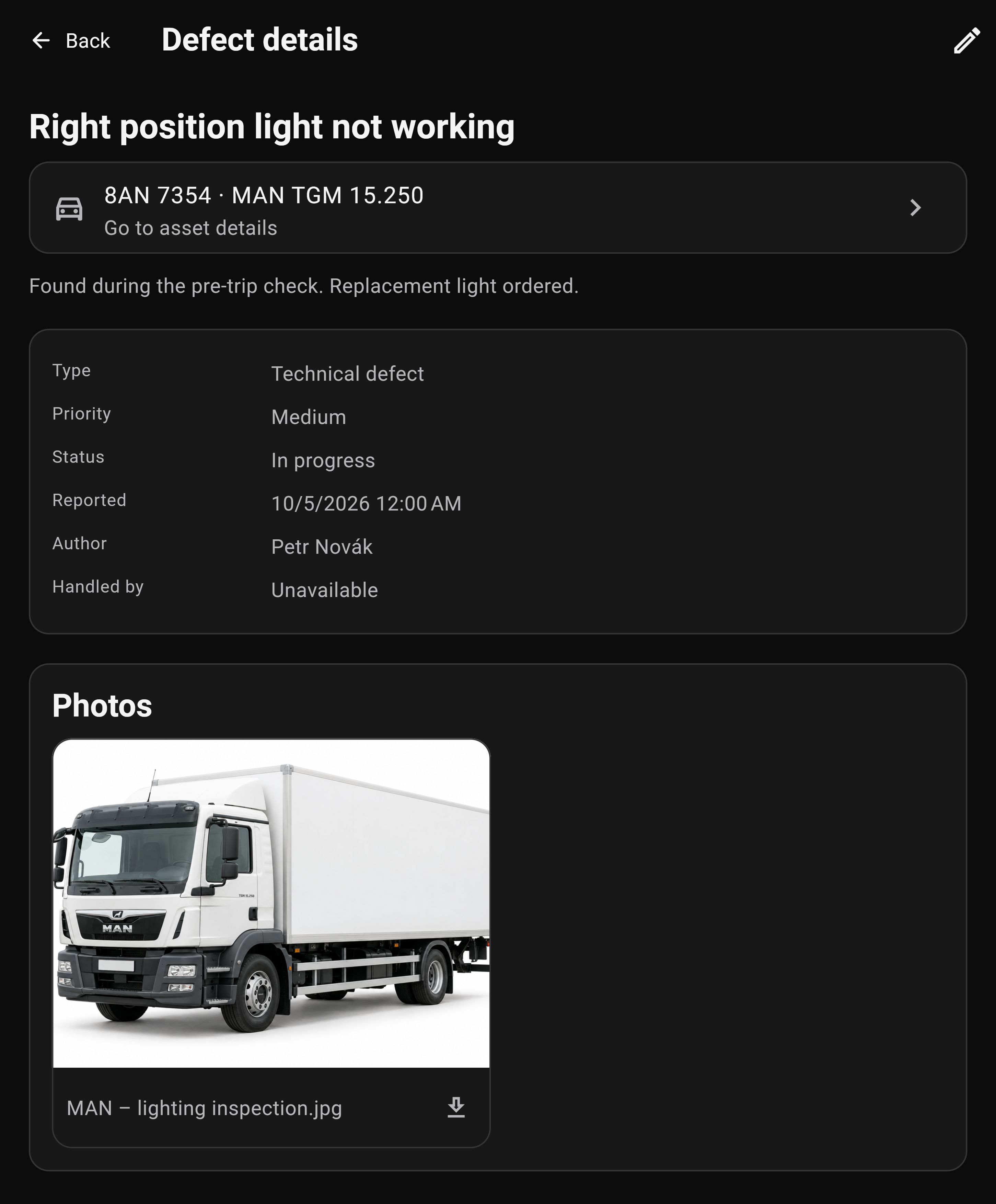
A photo, the right vehicle and a clear status. See what happened, what needs repairing and how the work is progressing.

KEEP TRACK OF COSTS
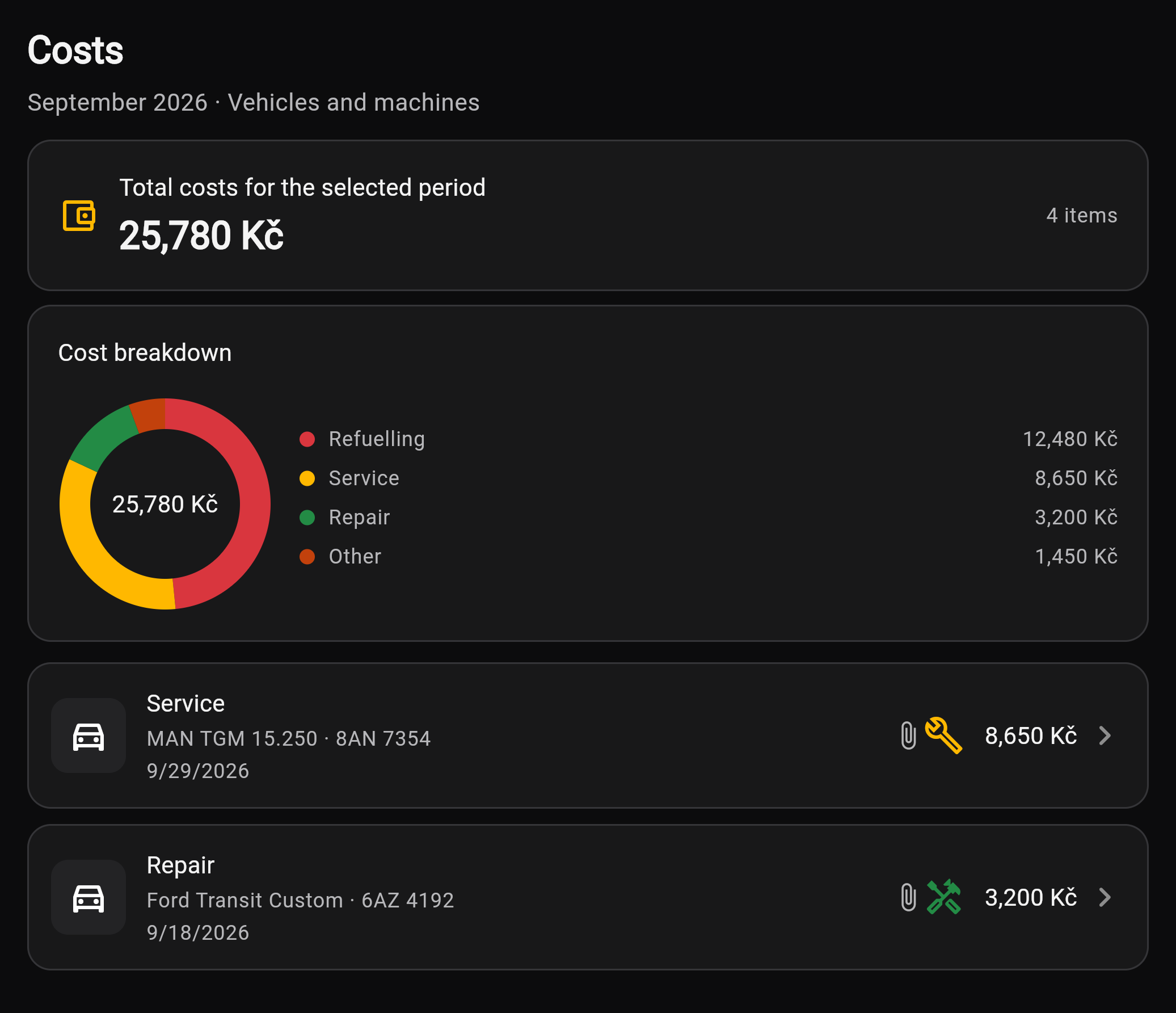
Compare fuel, service and repair costs by vehicle or machine. Before approving another repair, see what that asset has already cost to run.

FROM RECORDS TO EXPORT
Vehicle, driver, route and mileage in one record. When you need to share your trip log, export it to PDF or XLSX.

COMING SOON
See where your vehicles are, how they were used and when they need servicing. FLOTELO GPS is planned as a separately paid add-on.
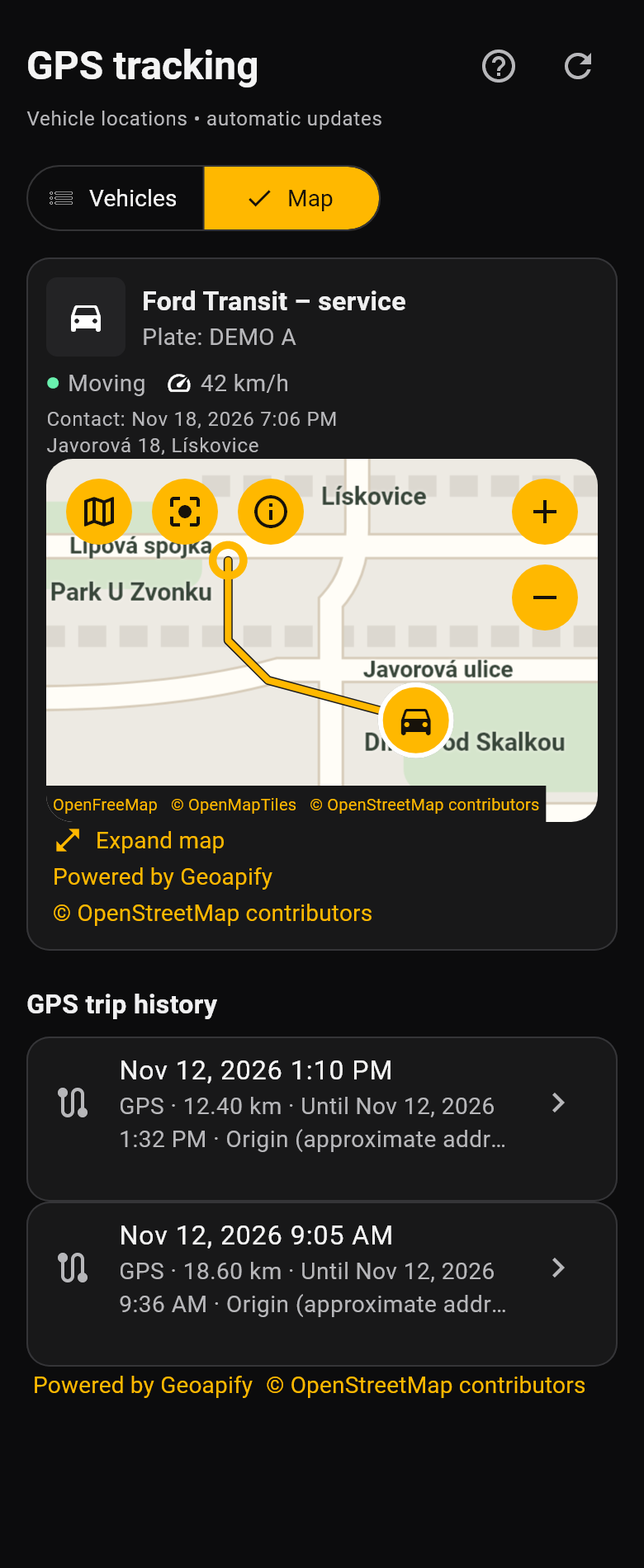
Sample routes · Lipová 6 → Javorová 18 · Sadová 12 → Lipová 6
Vehicle detail · Ford Transit – service
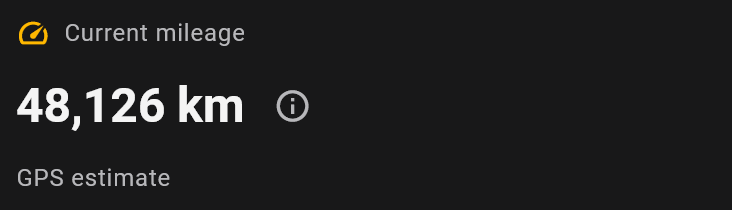
Features we are preparing. They are not available yet; release dates and add-on prices have not been announced.
FLOTELO
Try FLOTELO free for 30 days. No credit card required.